Image Downloader
Price range: €49.00 through €149.00
Image Downloader for Designers & Developers
Quickly extract full-resolution images from any website and organise them into a clean, ready-to-use folder structure.
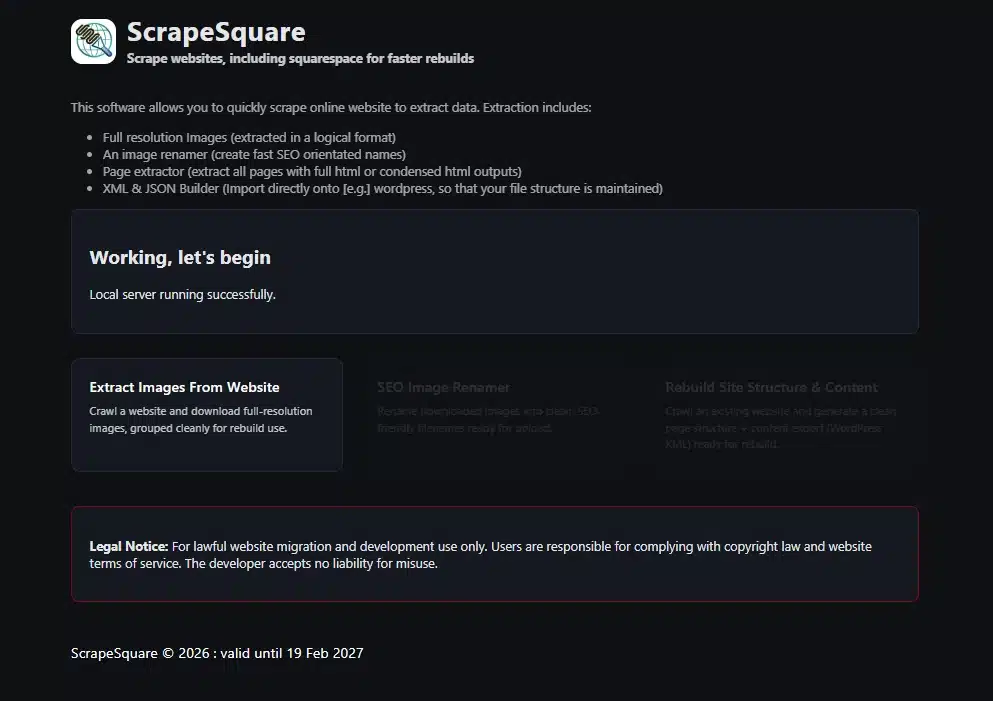
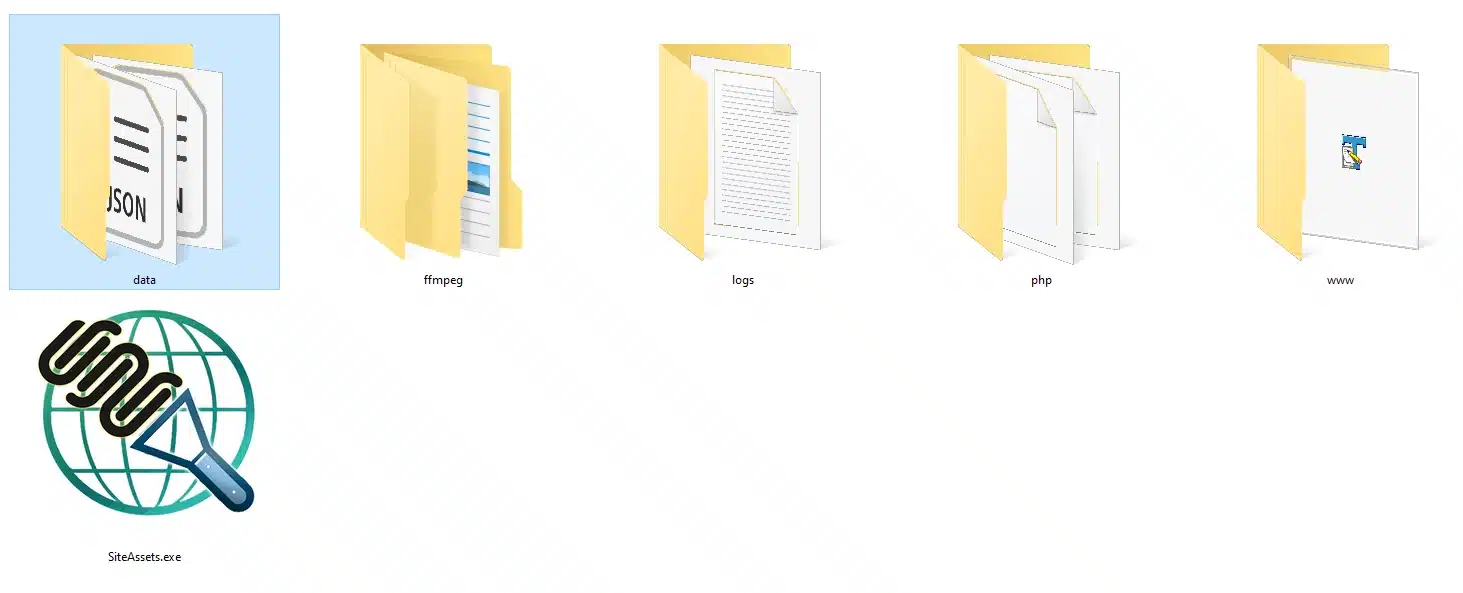
Image Downloader, ScrapeSquare, is a powerful desktop tool designed for web designers, developers, and digital professionals who need to rebuild, redesign, or analyse existing websites. With just one URL, the software crawls a website, downloads its images, groups them intelligently, and prepares them for immediate use in a redesign project.
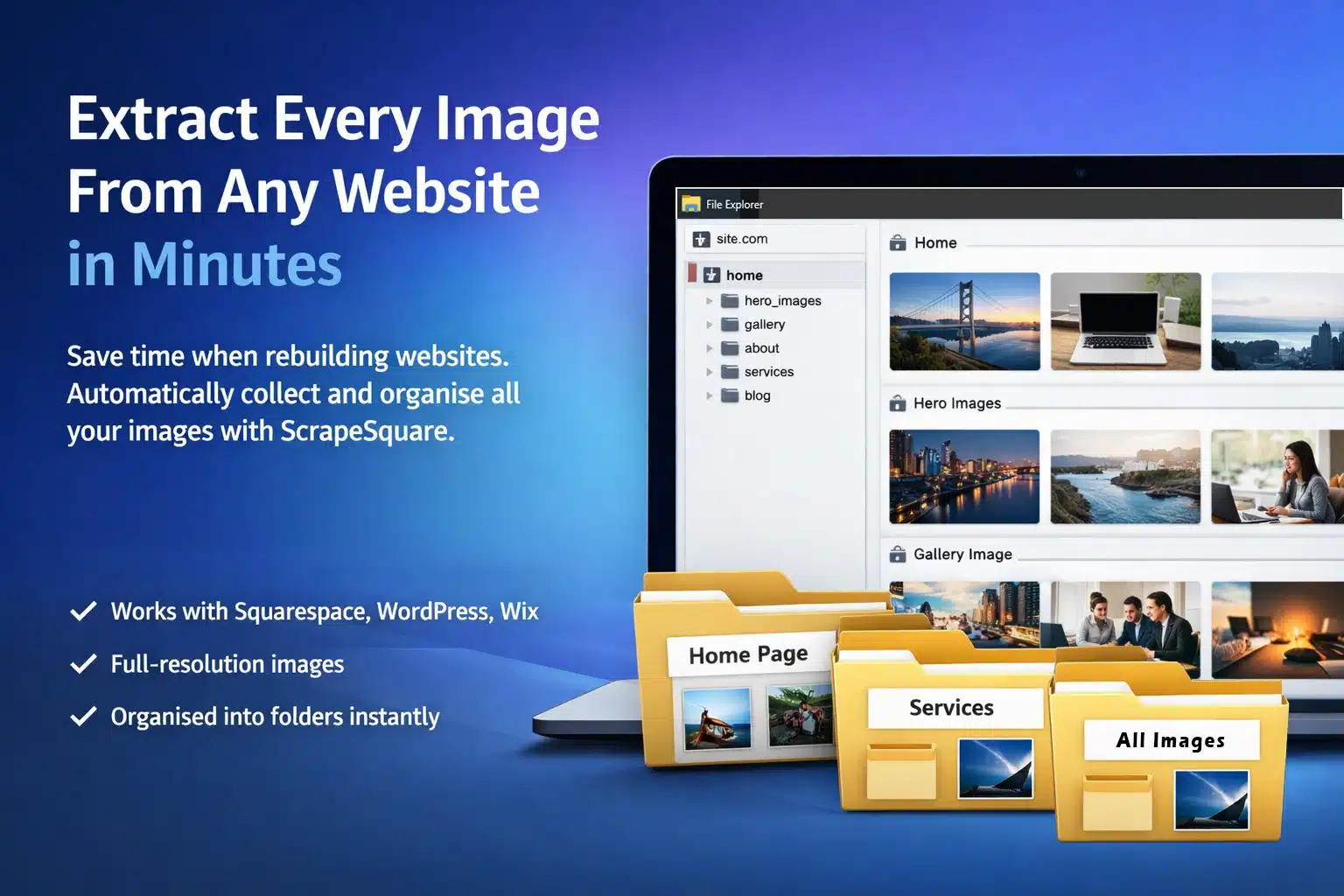
Extract and Organise Website Images Instantly
When redesigning a website, one of the most time-consuming tasks is collecting all the images used across the existing site. Logos, hero banners, background graphics, product images, galleries, and section visuals are often scattered across dozens or even hundreds of pages.
ScrapeSquare solves this problem instantly.
With a single URL input, ScrapeSquare crawls a website, detects all images used throughout the pages, and downloads them into a structured folder system ready for use in your redesign workflow.
Instead of manually inspecting page source code, downloading images individually, or hunting through asset folders, ScrapeSquare automatically extracts everything you need in minutes.
This makes it one of the most powerful productivity tools available for web designers and developers working on website rebuilds.
Why Website Designers Need ScrapeSquare
When rebuilding a website — especially when migrating from platforms like Squarespace, Wix, or legacy CMS systems — designers often face a frustrating challenge:
You have access to the live site, but not the original image library.
This means you must manually locate every image used across the site.
Without the right tool, this can involve:
-
inspecting page source
-
manually downloading images
-
copying URLs
-
renaming files
-
sorting assets into folders
-
tracking which images belong to which page sections
ScrapeSquare automates this entire process.
Simply enter the website URL and the software will:
-
Crawl the website
-
Extract all images
-
Identify full-resolution versions
-
Group images by page section
-
Download and organise them into structured folders
Within minutes, you have a complete visual asset library ready to use in your new design.
Built Specifically for Modern Websites
Modern websites use increasingly complex image delivery methods.
Images may appear in:
-
HTML
<img>tags -
CSS background images
-
lazy-loaded image systems
-
responsive
srcsetattributes -
Squarespace gallery links
-
lightbox image URLs
-
dynamically generated image paths
ScrapeSquare intelligently detects these formats and extracts the best available version of each image.
The tool includes advanced detection logic that identifies full-size image sources wherever possible, ensuring you download the highest-quality assets available.
Intelligent Image Organisation
Downloading images is only part of the challenge.
If hundreds of files are dumped into a single folder, finding the correct asset later becomes difficult.
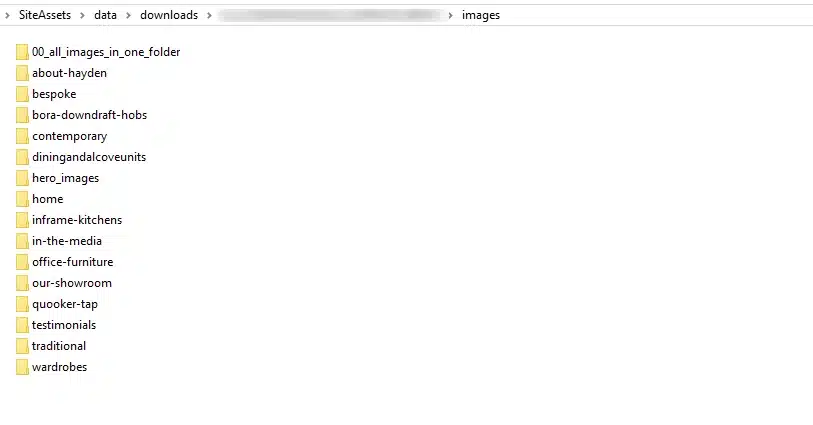
ScrapeSquare automatically organises images based on page structure.
For example:
home/
hero_images/
featured_products/
services/
gallery/
before_after/
Images are grouped using the nearest heading structure from the page, helping designers immediately understand where each image came from.
This means when rebuilding a section of the site, the relevant images are already grouped together.
Automatic Hero Image Detection
Hero images are one of the most important visual elements on a website.
These large banner images often define the overall aesthetic of a site.
ScrapeSquare includes dedicated functionality to detect and extract hero images separately.
The tool identifies large banner and background images used in page headers and stores them in a dedicated folder.
This makes it extremely easy to recreate hero sections when redesigning a site.
Handles Modern Image Formats
Many websites today use modern image formats like WebP, which are often incompatible with certain design workflows.
ScrapeSquare automatically detects these formats and converts them into standard JPEG images where necessary.
This ensures the downloaded images are immediately usable in design tools like:
-
Photoshop
-
Figma
-
Adobe XD
-
Illustrator
-
Canva
-
website builders
You no longer need to manually convert images after extraction.
Clean Filenames and Structured Output
Images downloaded from websites often have messy or unusable filenames.
ScrapeSquare automatically cleans and standardises filenames so they are safe for Windows, Mac, and web usage.
It also prevents duplicate filenames and automatically resolves naming conflicts.
Each extraction job generates:
-
organised image folders
-
a CSV manifest file listing all images
-
image source URLs
-
file sizes
-
source page locations
This gives designers a complete record of the extracted assets.
Perfect for Website Redesign Projects
ScrapeSquare is especially useful when rebuilding websites where the original design files are unavailable.
Typical use cases include:
-
rebuilding a client’s outdated website
-
migrating from Squarespace or Wix to WordPress
-
recreating an existing site design
-
extracting image assets before a CMS migration
-
preserving visual assets from a retiring platform
Instead of manually collecting hundreds of images, ScrapeSquare does the work automatically.
Ideal for Squarespace Website Rebuilds
Squarespace sites often store images in complex responsive systems that make manual downloading difficult.
ScrapeSquare includes specific logic designed to extract full-resolution images from Squarespace websites, including gallery images and lightbox assets.
This makes it one of the most effective tools available for agencies migrating sites away from Squarespace.
Who Can Benefit From ScrapeSquare
Although designed primarily for web designers, ScrapeSquare is useful for a wide range of digital professionals.
Web Designers
Extract images from existing sites when rebuilding or redesigning websites.
Web Developers
Quickly gather all visual assets before migrating a site to a new framework or CMS.
Digital Agencies
Accelerate client redesign projects by instantly collecting website image libraries.
SEO Specialists
Audit visual content used across websites.
UX Designers
Study visual patterns and layouts from competitor websites.
Marketing Teams
Collect campaign imagery used across different pages.
Content Creators
Archive website visuals for reuse or reference.
Business Owners
Save copies of images from websites before updating or changing platforms.
Key Features
✔ Crawl an entire website from a single URL
✔ Download full-resolution images
✔ Detect responsive image sources
✔ Extract CSS background images
✔ Automatically group images by page section
✔ Extract hero images into dedicated folders
✔ Convert WebP images to JPEG
✔ Clean and standardise filenames
✔ Generate a CSV manifest of all assets
✔ Automatically open the output folder after extraction
✔ Safe crawling with same-domain limits
✔ Adjustable crawl speed and page limits
How ScrapeSquare Works
-
Enter the website URL
-
Choose your output folder
-
Select crawl settings
-
Run the extraction
ScrapeSquare will then:
-
crawl the site
-
detect image assets
-
download images
-
organise them automatically
The finished asset library is ready for immediate use in your website redesign.
Save Hours on Every Website Rebuild
For designers and agencies, the time spent manually collecting images from an existing site can easily run into hours.
ScrapeSquare reduces this to minutes.
Instead of tedious manual work, you can focus on the creative side of rebuilding the website.
Product Benefits Summary
ScrapeSquare helps professionals:
-
save time on website rebuild projects
-
organise extracted assets automatically
-
recover full-resolution images from websites
-
simplify CMS migration workflows
-
prepare visual libraries for redesign
It’s an essential tool for anyone who regularly works with website redesigns.
Additional information
| Usage Type | Single Site, Up to 10 sites, Agency (Unlimited Sites) |
|---|